Writing samples
The 10x Resume writing samples page allows candidates to provide reviewers with examples of their technical writing.
Sample List
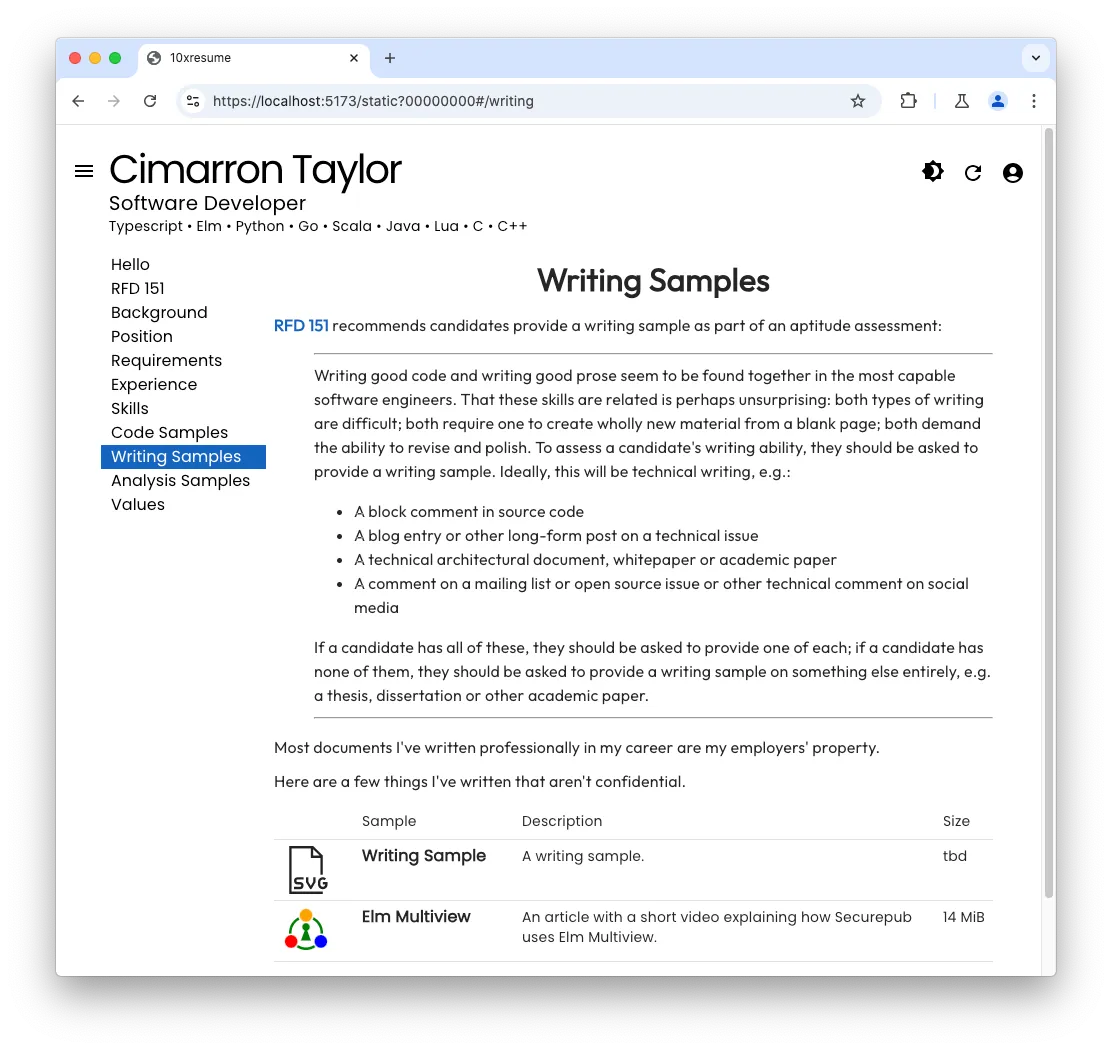
The writing samples page presents a list of the samples the candidate has prepared. Each sample in the list includes a short description and the size of the sample.
Clicking on a 10x Resume sample downloads the files to the browser. Reviewers can choose to skip large samples if their time or bandwidth is limited.
Selected Sample
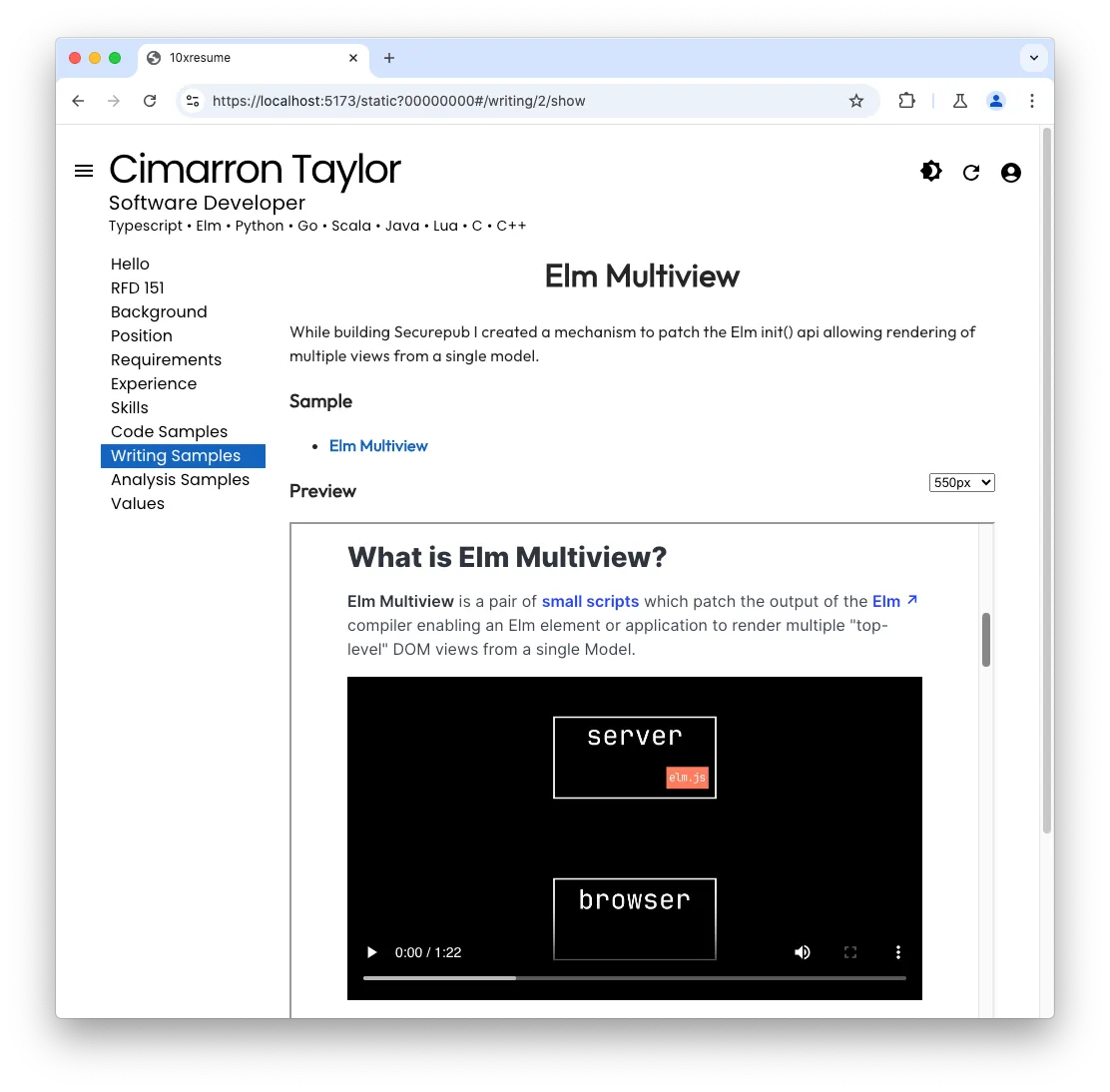
Selecting one of the samples in the list navigates to a view showing additional details about the selected sample which may include documents shown inline or in a separate iframe.
10x/writing.*.md
Directorydev
DirectoryJob
DirectoryPortfolio
DirectorySrc
Directory10x
- writing.1.md
- writing.2.md
- …
Each of the writing.*.md markdown files in the Job/Portfolio/Src/10x directory
hold details for one of the candidate’s writing samples.
The markdown content of each file holds the content presented when the sample is selected.
The frontmatter of each file holds a writing resource and an optional writing_zip resource.
The writing resource has the following fields:
| Field | Description |
|---|---|
| id | the id of the resource |
| kind | the constant string ‘writing’ |
| html | path to result html describing the writing sample |
| icon | the icon associated with the sample in light mode |
| dark | the icon associated with the sample in dark mode |
| name | the name of the sample shown as a title |
| desc | a short description of the sample to show in the sample list |
| size | size of the sample to show in the sample list |
The writing_zip resource has the following fields:
| Field | Description |
|---|---|
| id | the id of the resource |
| kind | the constant string ‘writing_zip’ |
| subdir | subdirectory with associated writing sample files |
Example writing.1.md
---title: Writing Sample 1layout: Plain.htmlsource: /10x/writing.1/Writing.pdfresources:  - id: 1    kind: writing    html: writing.1/index.html    icon: icons.1/icon.svg    dark: icons.1/dark.svg    name: Writing Sample    desc: A writing sample.    size: 8 KiB    nozip: false
  - id: 1    kind: writing_zip    subdir: writing.1---
# {{title}}
Sample Background
Details about the sample
* **[{{source}}]({{source}})**
{% include "set-height.html", iframe:"iframe1" %}
<iframe  id="iframe1"  title="{{title}}"  src="{{source}}"  width="100%"  height="550px"></iframe>
10x-files/writing.*
Directorydev
DirectoryJob
DirectoryPortfolio
Directory10x-files
Directorywriting.1
- Writing.pdf
Each writing.* subdirectory of Job/Portfolio/Src/10x-files holds documents and assets to show
as part of the sample.