Use developer tools
Create a 10x Resume
10x Resume helps you create and share a confidental work portfolio.
Features
Share content securely
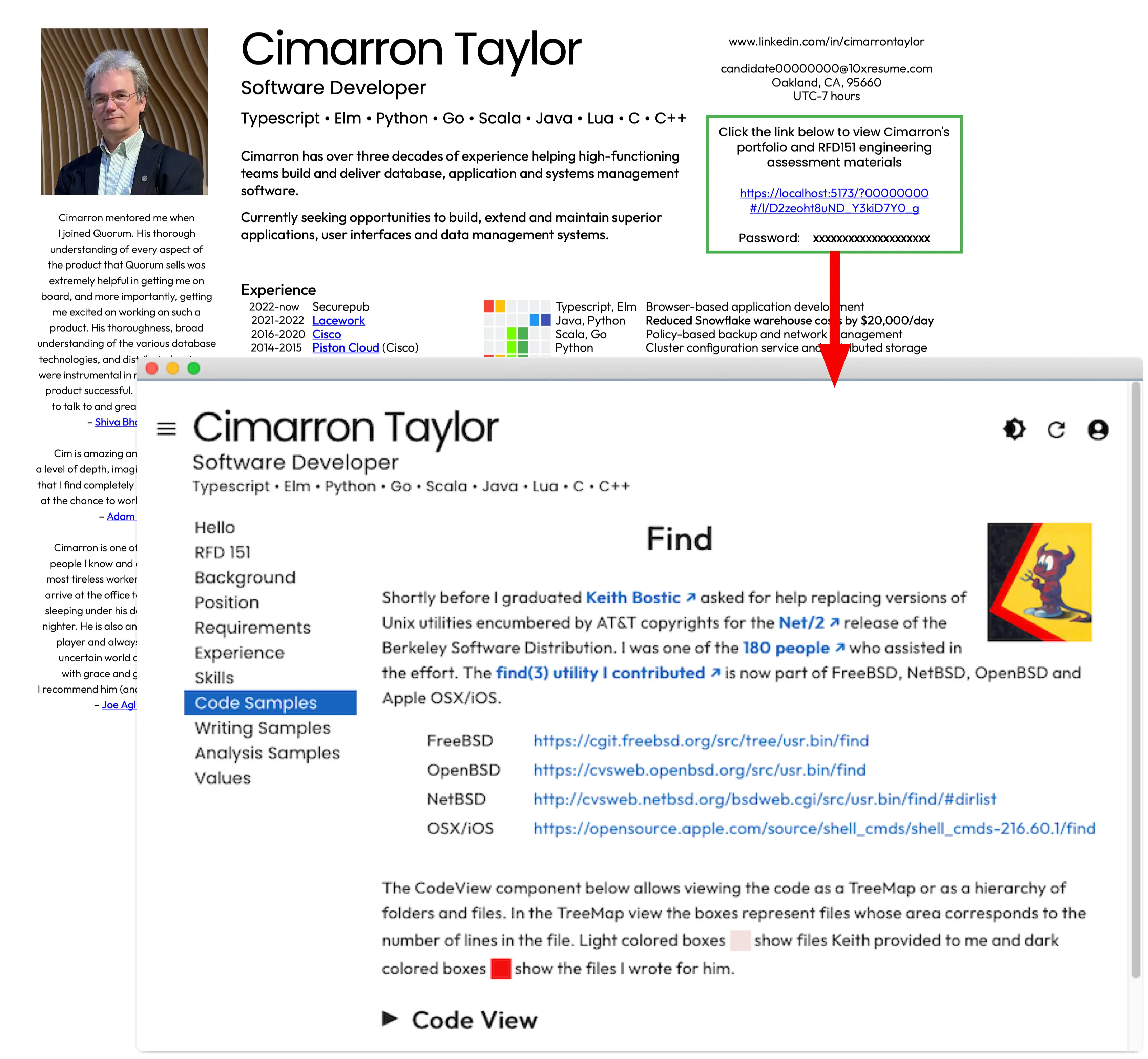
Publish your encrypted portfolio with Userbase. Register it with 10x Resume. Only those with a link and password you control can see your portfolio. No service provider or infrastructure operator can access to your content.
Make a strong first impression
Tell reviewers exactly why you’re a good fit for their position and how your skills and experience will make them a success. Let your RFD151 answers explain how your aptitude, education, motivation, values and integrity align with theirs.
Follow up based on activity
Revise your portfolio with additional assessment materials as necessary. Monitor your access logs to spot serious reviewers. Revoke access from those who “ghost” you to prevent misuse of your content.
Show them the code
Let reviewers see the code, writing and analysis that best demonstrate the pride you take in your work and highlight the impact you’ve made in the past.